Best Website Builders for Real Estate Agents: Costs, SEO Tradeoffs, and Setup Tips
Best Website Builders for Real Estate Agents
Costs, SEO Tradeoffs, and Setup Tips
A practical website-builder decision brief for real estate agents who need SEO control, IDX performance, lead capture, clean tracking, and a launch sequence that produces conversations.

Choose the Builder That Can Convert Traffic
The best website builder for a real estate agent is the one that gives you clean metadata control, fast mobile pages, compliant IDX search, simple lead forms, and tracking you can actually use. Design matters, but the business decision is whether the platform can turn local search traffic into registrations, calls, saved searches, and follow-up without trapping you in a slow or rigid system.
- Picking a website builder is an infrastructure decision, not a cosmetic design decision.
- Real cost includes platform fees, IDX, hosting, CRM sync, email tools, forms, call tracking, and retargeting tags.
- SEO control should be verified before launch: custom titles, meta descriptions, clean URLs, schema access, indexing controls, and page speed.
- IDX works best when saved searches, favorites, alerts, registrations, and follow-up are built into the visitor path.
- An 8 week launch sequence keeps sitemap, content, IDX, automation, testing, tracking, and promotion from turning into random tasks.
What Actually Matters Before You Pick Anything
Your website is either a lead generator or a digital paperweight. The decision starts with platform control, not homepage taste. A beautiful site that cannot support metadata, fast mobile search, tracking events, and follow-up is a weak marketing asset.
SaaS versus open source is the first fork. SaaS platforms host everything for you and give you a controlled set of features. Open source is usually WordPress, where you control the code and hosting, but you also own updates, plugin management, security, and performance.
The trade is operational. SaaS can be easier to maintain, but it may limit technical SEO and automation choices. WordPress gives you more control, but you need a maintenance plan. The winning choice is the one your business can actually operate every month.
IDX and MLS integration is the second fork. IDX means a live MLS-driven property search and display that follows your local rules, including any broker reciprocity logo requirements. The right setup turns search behavior into saved searches, favorite lists, alerts, registrations, and measurable follow-up. The wrong setup creates thin pages, duplicate content, slow load times, and frustrated visitors.
Lead capture friction is the silent killer. Every extra click, extra form field, and confusing menu decision costs you leads. Visitors rarely complete a long form after viewing one listing. They respond when your site gives them a useful next step at the right moment.
- Confirm custom title tags, meta descriptions, schema access, clean URL control, redirects, and indexing rules before choosing a platform.
- Confirm you own the domain, analytics, form data, tracking tags, call tracking number, and content assets.
- Confirm mobile performance after IDX, image galleries, CRM forms, and tracking pixels are active, not before.
- Confirm accessibility and Fair Housing requirements early so the site launches as a professional asset, not a compliance clean-up project.
The Short List: Builder Categories and Real Costs
There is no perfect website platform. There is a best choice for your execution style, marketing plan, and need for control. Use the categories below to make the first cut, then audit the finalist against SEO, IDX, tracking, and follow-up requirements.
| Builder Category | Typical Monthly Platform Cost | SEO Control | Lead Capture | Setup Level |
|---|---|---|---|---|
| Generic SaaS builder | $20 to $80 | Basic metadata, limited schema | Forms and light automation | Low |
| Design-first SaaS | $25 to $100 | Good page control, weaker scale | Forms and light funnels | Low |
| Real estate SaaS | $200 to $800 | Mixed, vendor-dependent | Strong, often CRM-tied | Medium |
| WordPress plus IDX | $120 to $600 | High control with technical upkeep | Best-of-breed tools | Medium |
| Custom build stack | $300 to $2,500 | Full control, higher cost | Custom funnels and deep tracking | High |
Generic builders are fast to launch, but they often cap SEO control and tracking depth. Real estate SaaS platforms can be strong because IDX and CRM workflows come together, but lock-in becomes a risk if you cannot control templates, metadata, URL paths, exports, or tracking.
WordPress plus IDX usually creates the highest ceiling for agents who plan to publish neighborhood content, run search-focused campaigns, and build custom conversion paths. It also creates more operating responsibility. That tradeoff is acceptable only when someone owns maintenance, updates, backups, and site speed.
Most agents treat page speed like a technical detail, but it is a conversion lever. When galleries and search pages load fast, visitors browse deeper and register more often. Ask one question before you pick a platform: will this builder stay fast after IDX, tracking tags, CRM forms, image galleries, and five new pages are added?
The 8 Week Site Launch Playbook
This is the operator approach. You are not building a digital brochure. You are building an always-on trust, search, and lead-capture engine. Keep every week narrow. Ship one set of outcomes, then move on.
Selection and sitemap
Pick your builder category and confirm your non-negotiables: custom metadata access, clean URL control, mobile performance, schema access, redirects, and tracking event support.
Map your sitemap around buyer and seller behavior: Home, Search, Neighborhoods, About, Blog, Contact, and one clear conversion path for buyers, sellers, and relocators.
Content and local SEO
Build pages that can earn traffic over time, not just pages that look good on launch day. Start with an about page that reads like a credibility file, three neighborhood pages with real local detail, and a blog structure that can scale.
Use the same operating principles behind local SEO for real estate agents, then keep the publishing rhythm simple enough to maintain.
IDX and automation
Connect the MLS feed, then treat registration as a value exchange. Ask for an email only after the visitor gets something useful, such as saved searches, favorite lists, or instant alerts.
Your IDX Real Estate Websites setup should support source tags, search intent, neighborhood behavior, and follow-up triggers.
Testing and launch
Run broken-link checks, validate every form on mobile, and confirm the right events are tracked: form submit, phone click, IDX registration, saved search, and contact request.
After launch, drive initial traffic with Digital Retargeting and contextual ads so you build audiences and collect behavior data in the first month.
The 12 Point Checklist Before You Announce the Site
Run this checklist before the new site goes to your database. It is cheaper to fix friction before launch than to wonder later why traffic never turns into conversations.
- Domain: You own a clean domain that matches your agent or team brand.
- SSL: The site loads on HTTPS with no mixed-content warnings.
- Mobile: Menus, forms, search, maps, and listing galleries work cleanly on a phone.
- Speed: Home, search, and top neighborhood pages feel fast after IDX and tracking are active.
- Metadata: Every key page has a unique title tag and meta description.
- Schema: You can add structured data without hacks or fragile code workarounds.
- Indexing: You can block thin pages, tag pages, and low-value utility pages from indexing.
- Lead forms: Every major page has one clear next step.
- Contact path: Phone and email are clickable and visible early in the page flow.
- Accessibility: Contrast, labels, keyboard navigation, focus states, and alt text pass a practical scan.
- Compliance: Fair Housing language and appropriate logos appear in the footer and key pages.
- Tracking: You track form submits, phone clicks, IDX registrations, and return visits.
Headlines, CTAs, and Tech Independence
Your site copy should feel like an operator wrote it, not a brochure committee. Clear beats clever. Specific beats vague. The headline should connect your website to problems buyers and sellers already feel: confusion, delayed response, bad search tools, stale listings, and too many steps.
The Agent Guide to Tech Independence
Message logic
PromiseOwn the platform decision instead of letting the platform own your follow-up, traffic, and data.
CTACompare builder cost, SEO control, IDX behavior, and portability before you sign.
Why Your Website Is Not Generating Leads
Message logic
PromiseExpose the three friction points that cause visitors to leave before they raise their hand.
CTAAudit the path from search page to saved search, alert setup, phone click, or contact request.
All In One Versus Best Of Breed
Message logic
PromiseDecide what convenience costs you in speed, SEO control, tracking, ownership, and portability.
CTAChoose the system that makes weekly execution easier instead of adding hidden operating drag.
Use a CTA ladder so each visitor has a next step that matches intent. A soft CTA can offer a website feature checklist. A mid CTA can invite a speed and SEO audit. A hard CTA can point to a full technology stack review through the Managed Marketing Program.
Automation loops make the site work while you are busy. Pair new registrations with an immediate response, a saved search setup offer, and a short follow-up sequence. For a simple structure that frees up time, use Email Marketing for Real Estate Agents to make sure every new lead receives the same useful first response.
Budgets and Creative Briefs That Pencil
Costs vary by market and vendor, but your plan should be concrete. Treat website spend as infrastructure. Once tracking works, layer promotion on top so the site is not waiting passively for traffic.
Spend: $250 to $450 per month all in. Cadence: one neighborhood page and one blog post each month. Audience split: 70% buyers, 30% sellers. Best use: a lean site with basic IDX, clean forms, and simple follow-up.
Spend: $600 to $1,200 per month all in. Cadence: two neighborhood pages each month plus one quarterly market update page. Audience split: 60% buyers, 40% sellers. Best use: IDX, automation, tracking, content, and retargeting working together.
Goal: turn search traffic into registrations. Audience: buyers browsing three or more listings. Creative: saved search, favorite list, and alert email preview. Headline: Get new listings the minute they hit the MLS. CTA: Set up alerts.
Goal: convert return visitors into calls. Audience: past visitors from neighborhood pages. Creative: one neighborhood stat, one map pin, one next-step offer. Headline: Want the short list for this neighborhood? CTA: Request the list.
Conversion Over Vanity
Agent Sarah was paying $400 per month for a legacy site that looked acceptable but gave her weak SEO control and too much lead friction. Her pages loaded slowly, her titles were generic, and her only real form was a long contact page.
She moved to a builder that prioritized speed, clean metadata control, flexible landing pages, and a better path from property browsing to registration. Instead of forcing every visitor through a hard registration wall, she used IDX search where it made sense, then offered saved searches, alerts, and neighborhood short lists as the value exchange.
The improvement was not the visual polish. It was the faster path from browsing to action. Retargeting brought past visitors back to one useful offer, and better form placement gave her a measurable way to reduce cost per lead.
| Metric | Target | Range | Why It Matters |
|---|---|---|---|
| Load time | Keep fast | 1.5s to 2.5s | Speed keeps visitors browsing and increases form completions. |
| Form completion rate | Grow weekly | 1.5% to 3% of relevant site sessions | Higher form completion lowers cost per lead across all traffic sources. |
| Return visitor share | Build audience | 20% to 35% of monthly site users | Return visitors are the cheapest pool to convert with follow-up and retargeting. |
Make the Website Builder Decision Practical
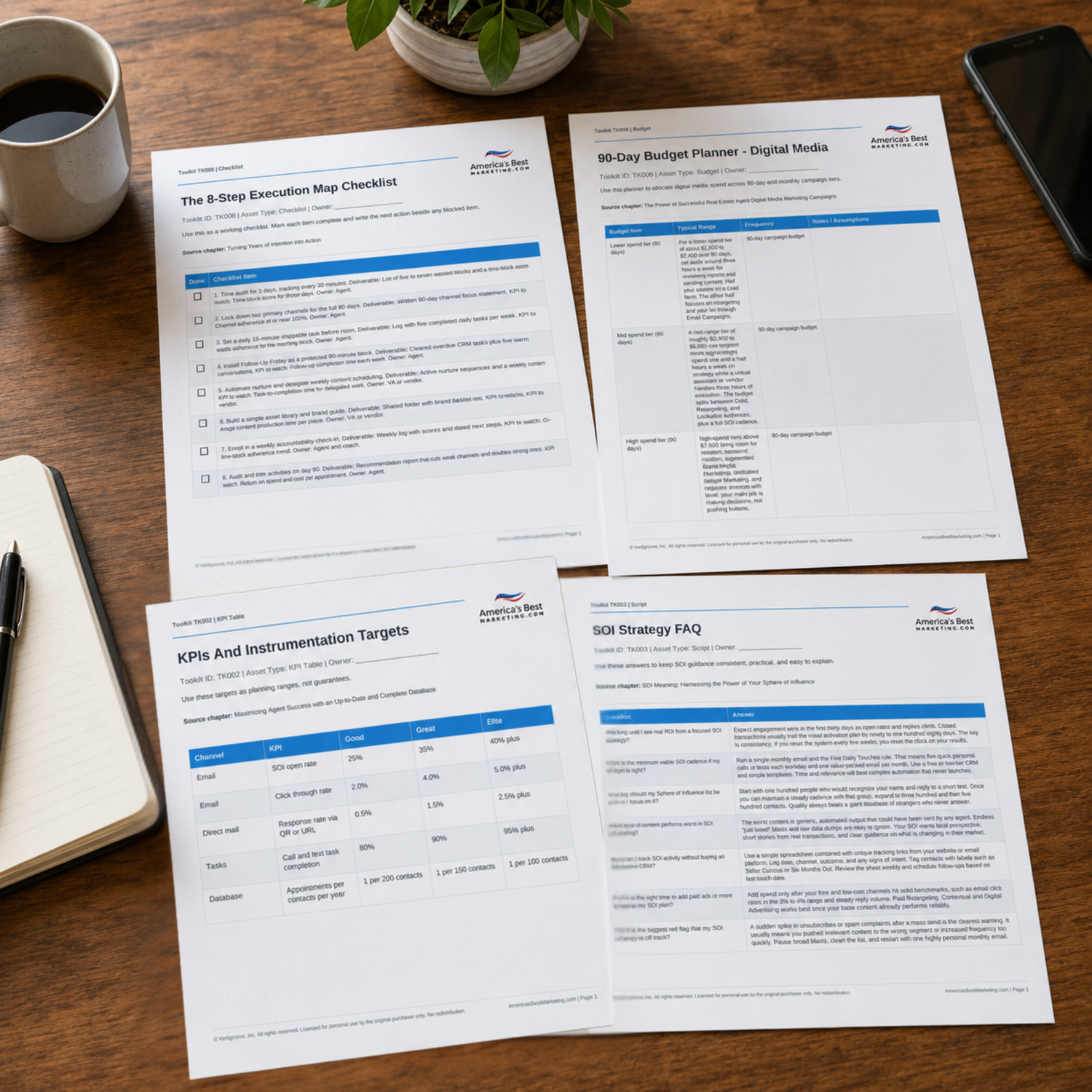
Use the companion Toolkit to compare builder costs, audit conversion readiness, map the 8 week launch sequence, and choose the site stack that supports SEO, IDX, follow-up, and measurable lead capture.
Download the Toolkit ZIPRecommended reads
Recommended Reads for Real Estate Agents
These articles help agents connect local visibility, useful content, channel strategy, and follow-up into a stronger search-friendly marketing system.

Why Every Real Estate Agent Needs an IDX-Integrated Website
Use IDX-integrated websites to create a stronger bridge between client education and real conversations.
Read article
High-End Buyer/Seller Tech Stack: Tools and Systems Luxury Agents Use
Create more leverage from high-end buyer/seller tech stack with a clear path from attention to follow-up.
Read article
IDX Lead Routing & Alerts: From Browse to Booking in Under 5 Minutes
Bring more structure to IDX lead routing and alerts so every touchpoint supports visibility and trust.
Read article
Could Poor Website Design Be Costing You Clients? How Agents Can Build High-Converting Real Estate Websites
Use website design and conversion to strengthen visibility, follow-up, and client conversations without adding more random tasks.
Read articleWebsite Builder Questions Real Estate Agents Ask
Is WordPress or Wix better for real estate agents?
WordPress is better when you need full SEO control, custom schema, flexible landing pages, and deeper IDX options. Wix is better when you need fast publishing and simple upkeep. The deciding factor is whether local SEO is a serious growth channel and whether you will maintain the platform. If you rely on neighborhood pages and long-term rankings, WordPress usually wins. If your plan is a smaller site supported by paid traffic and basic updates, Wix can work.
How much should a real estate website cost per month?
Most agents land in a wide range because hosting, IDX, email tools, tracking, and add-ons are often separate line items. A lean build can run $250 to $450 per month when features stay tight. A stronger system with IDX, automation, tracking, and retargeting often runs $600 to $1,200 per month. Watch for add-ons that creep, especially CRM syncing, premium search filters, call tracking, and chat tools.
Do I need IDX search on my site to get leads?
IDX can help when it is fast, compliant with local MLS rules, and tied to saved searches, favorite lists, and listing alerts. It hurts when it creates thin pages, slow load times, or a hard registration wall that blocks first-time visitors. A smart setup uses IDX for property search and alerts, then uses custom neighborhood pages and clear offers to turn traffic into conversations.
How long does it take to see measurable ROI from a new website?
Paid traffic and retargeting can produce early signals in a few weeks because you control the traffic volume. SEO usually takes longer because rankings depend on indexing, content depth, internal links, and local competition. Expect early ROI to come from better conversion and better follow-up, not rankings alone. Treat the first month as a measurement phase for speed, forms, tracking, and message clarity.
What content performs worst on an agent website?
Thin pages that say nothing specific, generic market pages with no local detail, photo-heavy galleries with no text context, and long forms with too many fields tend to underperform. The best pages answer a real question, load fast on mobile, show a clear next step, and connect to follow-up. Make every page earn its place by supporting search, trust, or conversion.
What should I check for ADA and Fair Housing compliance?
Start with form labels, contrast, keyboard navigation, clear focus states, alt text, and accessible menus so the site is usable without a mouse. Add an accessibility statement and run a scan before launch. For Fair Housing, include appropriate logo and language in the footer and key pages, then keep page copy free of exclusionary wording. Also confirm your MLS board rules for broker reciprocity display when IDX is active.
Next step
Build the Marketing System Behind the Website
Continue from one useful article into the larger ABM ecosystem: the book series for strategic depth and the full marketing program for done-for-you execution.

View the Book Series
Explore the America’s Best Real Estate Agent Marketing System books for a deeper strategic framework around visibility, referrals, listings, lead generation, and growth.
View the Book Series
See Full Marketing Program
See how AmericasBestMarketing.com runs real estate blog writing, social media, listing marketing, email, direct mail, and retargeting as one managed system.
See Full Marketing Program