Google Business Profile for Real Estate Agents: Ranking Playbook and Review Scripts
Google Business Profile for Real Estate Agents
Ranking & Review Scripts
A field-tested local visibility playbook for agents who want a complete profile, stronger review velocity, and a weekly routine that turns search attention into calls, clicks, and conversations.

Google Business Profile explained for real estate agents
For real estate agents, the strongest Google Business Profile system is simple. Verify the profile, align the business identity, category, service areas, hours, phone number, website link, and booking path, then run a weekly rhythm of posts, Q&A checks, photo updates, review requests, and review replies. The goal is a current, review-rich profile that gives local buyers and sellers an easy next step.
- A complete profile gives local buyers and sellers faster proof before they decide whether to call, click, or book.
- Weekly profile activity matters because posts, photos, Q&A answers, and replies show that the agent is active and reachable.
- Review velocity improves when requests happen after real service moments instead of waiting for a year-end scramble.
- Profile performance should be measured through controllable inputs first, then calls, website clicks, direction requests, and booking activity.
Why This Pays Off
Map results sit high on many local-intent searches, especially on mobile. A homeowner looking for an agent often wants a phone number, proof, service area, and confidence signal before reading a full website. A complete Google Business Profile answers those questions quickly.
The profile also supports every other marketing channel. When a prospect sees consistent proof in search, then sees the same agent in email, social, direct mail, or retargeting, the brand feels more stable. That is why a profile should not be treated as a forgotten directory listing. It should operate like a small owned media channel with public proof attached.
Agents who maintain the profile consistently create a cleaner trust surface. Recent posts, accurate fields, real photos, and thoughtful review replies show that the business is alive. That does not guarantee rankings, but it does reduce friction when a buyer, seller, past client, or referral checks the agent before reaching out.
- You make local search visibility easier to defend with accurate profile fields and visible recent activity.
- You convert service moments into durable public proof through appropriate review requests and timely replies.
- You give profile visitors a practical next step, such as a consultation page, seller resource, buyer resource, or calendar path.
Set Up the Profile Before You Try to Optimize It
Start by claiming and verifying the profile inside Google Business Profile Manager. Use the business identity that matches brokerage rules and the agent’s public presence. If clients meet the agent at an office, use the correct office address. If the agent operates as a service-area business, hide the address and define the communities actually served.
Choose one primary category that represents the work clearly, such as Real Estate Agency or Real Estate Consultant. Add office hours, phone number, website link, service areas, and a short description that explains who the agent helps and what the next step should be. Upload an office exterior, a neutral professional headshot, and photos the agent has the right to use.
Make the public identity exact
Name, address, and phone should match the website, brokerage profile, major local profiles, and directory listings. The profile should not create a second identity for the same agent.
Use a focused category stack. One clear primary category is better than a pile of loosely related service labels that confuse the signal.
Keep the profile visibly alive
Post once a week. Rotate between a market stat, client story, listing note, open-house reminder, review proof, and community update.
Add two new photos each month. Real images of the market, office, client process, and community tend to build more trust than generic stock images.
Point attention to one next step
Send visitors to a consultation page, local seller resource, buyer resource, or booking page. A generic homepage is rarely the strongest destination when a clearer action exists.
Tag the website or booking link with UTM parameters so profile traffic can be separated from other campaigns during monthly reporting.
A Google Business Profile should not depend on occasional inspiration. Treat it like a weekly operating asset. Ten minutes for a post, five minutes for Q&A and messages, and ten minutes for review requests can keep the profile current without turning it into a second job.
Three Review Request Scripts You Can Use Today
Review requests work best when they are short, honest, and tied to a real service moment. Do not script keywords for the client. Ask for one genuine detail about what was happening and how the agent helped.
The post-closing text with direct review link
Client text
Opening line Congrats again on the keys. Quick favor that helps neighbors find honest help.
Middle line Would you share one line about your experience on my Google profile? It takes about half a minute.
CTA line Here is the link. Your note helps local families find straight answers.
Send within two hours of the handoff. If there is no reply after two days, nudge once, then stop.
The vendor partner ask after smooth coordination
Vendor text
Opening line Thanks for the fast turnaround today.
Middle line I keep my Google profile current so people can see who communicates well during a deal.
CTA line Would you be comfortable posting one honest line about what it was like coordinating on this transaction? No pressure either way.
Send the ask the same day while the coordination win is fresh. Keep the ask optional and specific.
The open-house QR card review nudge
Open-house language
Opening line Grab this card for the list and private showing info.
Middle line The code also jumps to my Google profile if this visit helped.
CTA line One sentence helps other buyers find clear answers.
Mention it once at entry and once at exit. Keep the tone helpful, light, and never pressured.
A Weekly Operating Rhythm That Survives Busy Weeks
The cadence should be light enough to repeat. Monday is for one useful profile post. Wednesday is for profile hygiene, Q&A, messages, and accuracy. Friday is for appropriate review requests and review replies. Monthly review adds photos and reads the trend data.
Run the profile with no added software
Spend up to one hundred fifty dollars one time for QR cards and one small stand. Save the short review link in phone notes, email templates, and the closing checklist.
Use the system for twelve appropriate requests per month across new and past clients. Follow up once after two days, then stop.
Add light proof and promotion
Spend one hundred fifty to three hundred dollars per month for a vanity review-link domain, a small proof booklet, and one boosted local post.
Use the boost only when the post has one clear local reason to respond. Keep the radius tight and review calls, website clicks, and booking clicks monthly.
| Day | Action | Agent Deliverable | Tracked Signal |
|---|---|---|---|
| Monday | Publish one profile post | Market stat, client story, listing note, or local update | Post published |
| Wednesday | Review profile interactions | Answer Q&A, messages, and outdated profile details | Questions answered and messages handled |
| Friday | Send review requests | Short link sent after appropriate client milestones | Requests sent and reviews received |
| Monthly | Add photos and review analytics | Two fresh photos and a 30-day profile read | Calls, clicks, direction requests, and trend changes |
Measure the Work Before You Judge the Outcome
Start with input metrics because those are the actions the agent controls. Count posts, photos, review asks, review replies, and profile updates. Then read calls, website visits, direction requests, and booking clicks as directional performance signals across 30-day and 90-day windows.
| Metric | Why It Matters | How to Use It |
|---|---|---|
| Posts published | Shows whether the profile has recent activity | Target one useful post each week |
| Review requests sent | Measures the action that creates review opportunities | Send after appropriate client milestones |
| Reviews received | Shows whether the request language and timing are working | Review monthly and adjust the ask |
| Calls and website clicks | Connects profile visibility to lead behavior | Compare 30-day and 90-day windows |
| Booking link clicks | Shows whether visitors are taking the next step | Use UTM tags to separate profile traffic |
Keep Reviews Useful, Honest, and Optional
A review request should never sound like pressure. Ask after a real service moment, give the client a direct link, and make the ask optional. Do not offer compensation, do not ask for specific keywords, and do not make the client feel that a review is part of the transaction.
Reply to every review with care. Thank the person, mention one concrete detail when appropriate, and keep the tone professional. Neutral or critical reviews deserve calm, public accountability and an offline path. Public arguments make future clients question the agent before they even call.
- Ask for honest situation-based detail instead of keyword-stuffed praise.
- Follow up once after two days, then stop so the request remains respectful.
- Use a short, specific reply that proves the response was not copied blindly.
Tie the Profile to the Larger Marketing System
The profile should point to a resource the agent controls. A short seller page, buyer consultation page, market update, or booking path gives profile visitors a cleaner next step. Use the same offer across email, social headers, profile posts, and direct mail so the path feels familiar everywhere.
AmericasBestMarketing.com can connect this profile work to Email Campaigns, Direct Mail Marketing, Social Media Marketing, and Digital Retargeting so proof, reviews, and local visibility show up beyond the profile. There are no long-term contracts.
Download The Google Business Profile Toolkit
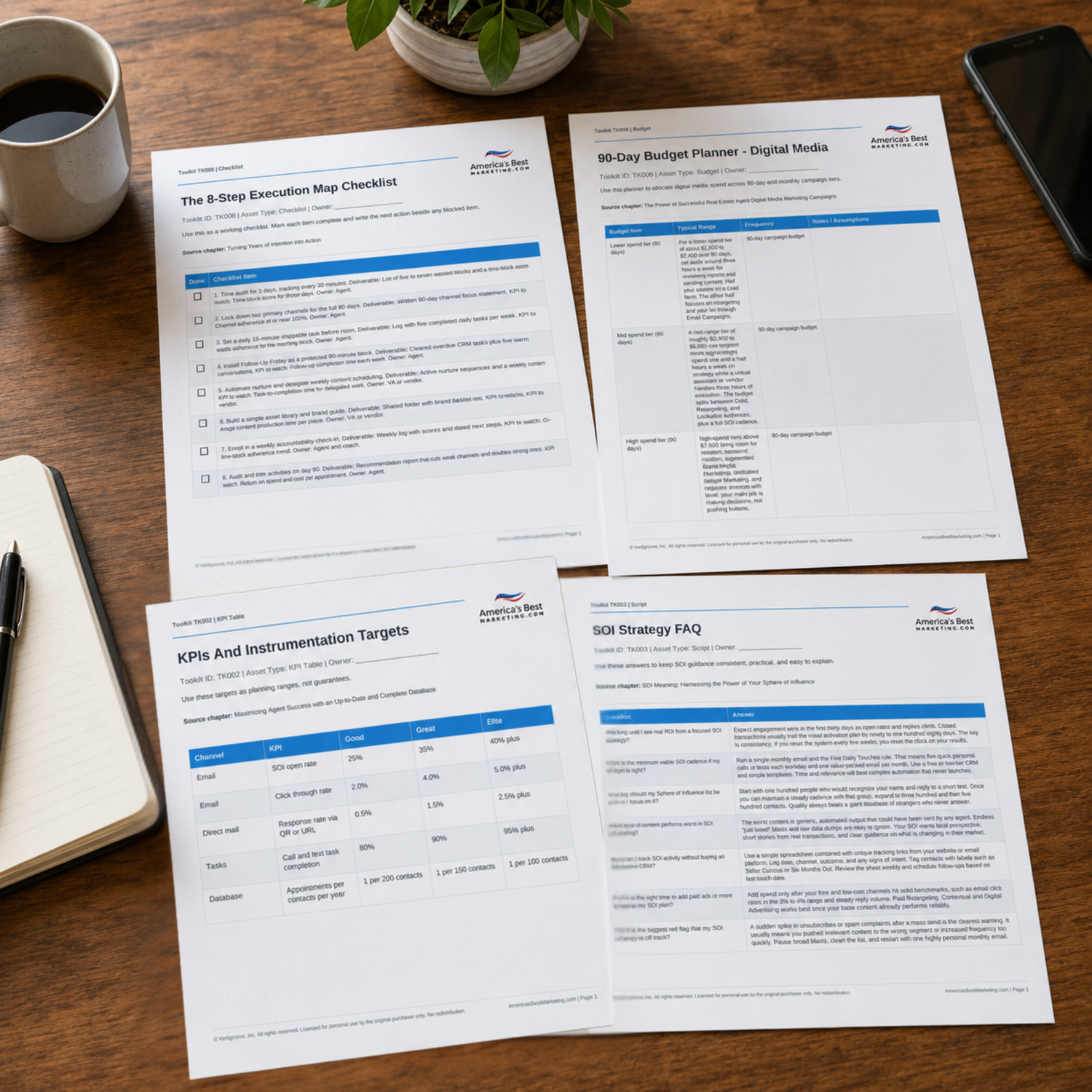
Use the companion Toolkit to tighten the profile setup checklist, weekly post rhythm, review request scripts, open-house QR prompt, budget notes, and performance tracking routine.
Download the Toolkit ZIPRecommended reads
Recommended Reads for Real Estate Agents
These articles help agents connect local visibility, useful content, channel strategy, and follow-up into a stronger search-friendly marketing system.

Google Business Page Photos, Posts & Q&A: A 30-Minute Weekly Routine
Turn google business page photos, posts and qanda into a steady operating habit, not another item that waits for a quiet week.
Read article
Local SEO for Real Estate Agents: How to Dominate Search in Your Neighborhood
Make local search work harder with content that answers real questions and leads to a next step.
Read article
Leveraging Hyper-Local SEO for Real Estate Success
Make hyper-local SEO for real estate success easier to plan, publish, and measure as part of a weekly marketing rhythm.
Read article
Google Business Profile for Real Estate Agents: Advanced Optimization for Local Rankings
Use google business profile to strengthen visibility, follow-up, and client conversations without adding more random tasks.
Read articleGoogle Business Profile Questions Agents Should Be Ready To Answer
What matters most for ranking in the map pack?
Completeness, recent activity, proximity, reviews, and relevance all matter. Real estate agents control the first four through accurate profile fields, weekly posts, fresh photos, appropriate review requests, and timely replies. These are target benchmarks, not guarantees.
How do I get my short review link?
Open Google Business Profile Manager and select Ask for Reviews to copy the unique review link. Save it in phone notes, email templates, and the closing checklist so the request can be sent without searching.
Should I suggest keywords for reviews?
No. Ask for honest details about the client situation and the help provided. Natural language reads better, builds trust, and helps similar buyers and sellers recognize their own needs.
When should a real estate agent ask for a review?
Ask after an appropriate client milestone, such as an accepted offer, inspection resolution, closing, or a clear service moment. Keep the request short, optional, and easy to complete.
What should I do with a three-star review?
Reply quickly. Thank the person, reflect the issue in plain language, state one action taken, and invite an offline follow-up. Future clients read tone, care, and accountability.
Do Google posts lead to calls?
They can support calls when the post has one clear action and a useful local reason to respond. Post weekly, then track calls and website visits with UTM tags across 30-day and 90-day windows.
Can I use professional photos on my profile?
Yes, as long as the agent owns the assets or has permission to use them. Real images of the area, the work, the office, and the client process usually create stronger trust than generic stock photos.
How many fresh reviews should I target this quarter?
A practical quarterly benchmark is twelve to twenty new reviews from genuine client and partner moments. Send three to five appropriate requests per week, follow up once after two days, and stop after two reminders.
Next step
Build the System Behind the Profile
Continue from one useful article into the larger ABM ecosystem: the book series for strategic depth and the full marketing program for done-for-you execution.

View the Book Series
Explore the America’s Best Real Estate Agent Marketing System books for a deeper strategic framework around visibility, referrals, listings, lead generation, and growth.
View the Book Series
See Full Marketing Program
See how AmericasBestMarketing.com runs real estate blog writing, social media, listing marketing, email, direct mail, and retargeting as one managed system.
See Full Marketing Program